PDF Reader – PDF Viewer is an essential tool for anyone who frequently interacts with PDF documents on their Android device. It streamlines the process of viewing, managing, and annotating PDFs, transforming your smartphone or tablet into a portable document workstation. This application enhances productivity by providing a user-friendly interface and a robust set of features, making it easy to handle all your PDF-related tasks efficiently.
PDF Reader – PDF Viewer
QR Code Scanner.
Download
49.2 MB
PDF Reader – PDF Viewer Screenshots
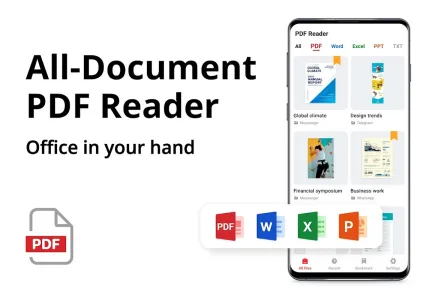
1 / 17
49.2 MB
Size
2.0.2
Version
7+
Android
Universal
Arch
About PDF Reader – PDF Viewer
PDF Reader – PDF Viewer is an essential tool for anyone who frequently interacts with PDF documents on their Android device. It streamlines the process of viewing, managing, and annotating PDFs, transforming your smartphone or tablet into a portable document workstation. This application enhances productivity by providing a user-friendly interface and a robust set of features, making it easy to handle all your PDF-related tasks efficiently.
Effortless PDF Viewing Experience
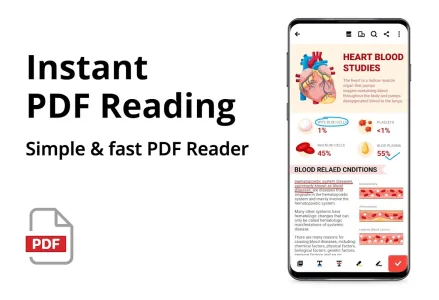
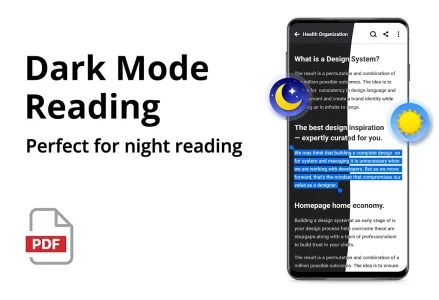
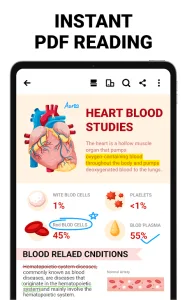
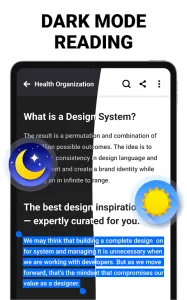
PDF Reader – PDF Viewer provides a smooth and responsive reading experience. Quickly open and view any PDF file, whether it’s stored locally on your device or accessed from the cloud. Enjoy seamless navigation through documents with features like page scrolling, zooming, and table of contents access.
Annotate and Mark Up PDFs
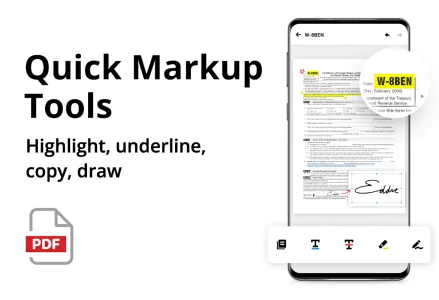
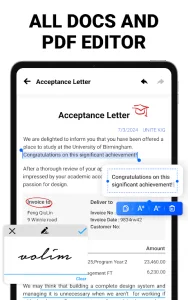
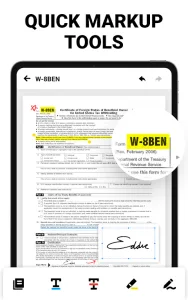
This application allows you to easily annotate PDFs with highlights, underlines, and strikethroughs. Add comments, notes, and drawings to documents for collaboration or personal review. These features are crucial for students, researchers, and professionals who need to actively engage with PDF content.
Organize and Manage PDF Files
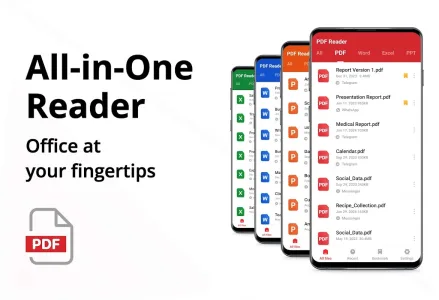
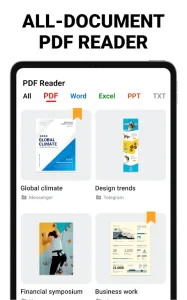
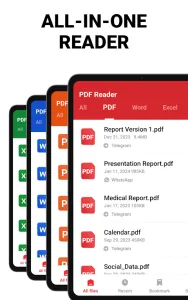
Keep your PDF files organized with the built-in file manager. Rename, copy, move, and delete files with ease. Create folders to categorize your documents and quickly locate the files you need. This efficient file management system saves you time and frustration.
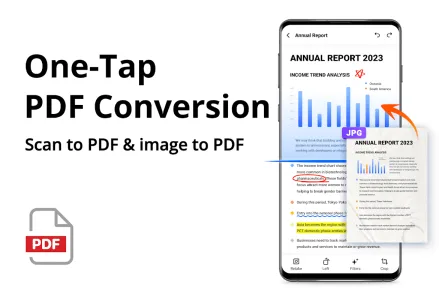
Convert Images to PDF Format
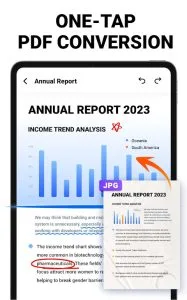
Easily convert images to PDF documents directly within the app. Take photos of documents, receipts, or whiteboards and turn them into searchable and shareable PDF files. This feature is particularly useful for digitizing paper documents and creating a digital archive.
Secure Your Sensitive PDF Files
Protect your confidential PDF documents with password protection. Add a password to restrict access and prevent unauthorized viewing. This security feature is essential for safeguarding sensitive information and maintaining privacy.
Frequently Asked Questions
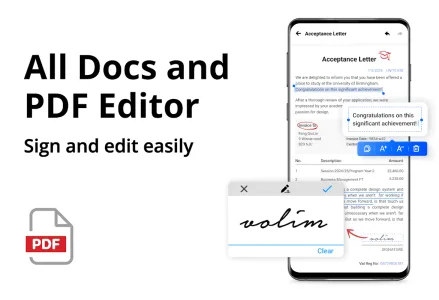
The application primarily focuses on viewing, annotating, and managing PDF files. Direct text editing within the PDF is not a core feature.
While direct cloud storage integration may not be built-in, you can easily access and open PDF files from cloud storage services like Google Drive or Dropbox using the “Open With” functionality.
The application offers a range of features that are available for free. Some advanced features or functionalities may require a premium subscription.
Additional APP Information

You are now ready to download PDF Reader - PDF Viewer for free. Here are some notes:
- Please read our APK Info and installation instructions carefully for the game & app to work properly
- Read the FAQ carefully for more details
4.8/5 (224 votes)